






Laser Cutting Power and Frequency Adjustment Methods
Mastering laser cutting power and frequency is essential for achieving precise, efficient cuts in materials like metals, plastics, and woods. Laser cutting power determines the energy output of the beam, influencing speed and material interaction, while frequency controls the pulse rate, affecting smoothness and heat distribution. This guide provides practical methods to adjust these parameters, ensuring optimal results for hobbyists, manufacturers, and engineers. By fine-tuning them based on material type and thickness, you can minimize defects, boost productivity, and extend machine life—all while prioritizing safety.
Understanding Laser Cutting Power
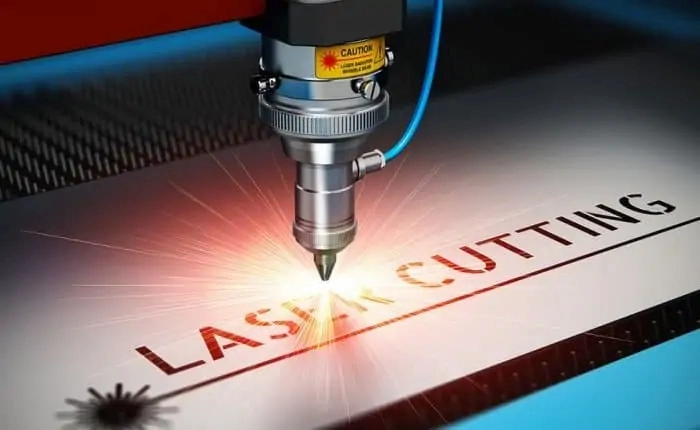
Laser cutting power refers to the output energy level of the laser beam during the cutting process. It directly impacts how quickly and deeply the beam penetrates the material. Higher power accelerates cutting but risks overheating or warping, whereas lower power ensures finer control but may slow operations. Proper adjustment is key to balancing efficiency and quality.
In practical terms, power is measured in watts (W), with typical ranges from 20W for small desktop lasers to over 10kW for industrial fiber lasers. For instance, cutting thin acrylic might require 50-100W, while stainless steel demands 1-5kW. The goal is to select a power level that vaporizes or melts the material without excessive residue or burrs.
Key Factors Influencing Power Adjustment
Several variables dictate how you adjust power:
- Material Properties: Conductive materials like aluminum dissipate heat quickly, needing higher power. Non-conductive ones like ceramics may require lower settings to avoid cracking.
- Thickness: Thicker materials (e.g., 10mm steel) necessitate more power to achieve full penetration.
- Desired Finish: For intricate designs, moderate power prevents edge melting; for rapid production, higher power is ideal.
- Machine Type: CO2 lasers excel in non-metals at lower powers, while fiber lasers handle metals efficiently at higher outputs.
Methods for Adjusting Laser Cutting Power
Adjusting laser cutting power can be achieved through two primary approaches, each offering control over the beam’s intensity.
1.Direct Control via Laser Output Settings This method involves tweaking the laser generator’s output directly through the machine’s interface. Most modern laser cutters feature digital panels or software like RDWorks or LightBurn for precise calibration. Start by inputting a percentage of maximum power (e.g., 60% of 100W equals 60W). Test on scrap material to verify results. This is straightforward for beginners and allows real-time adjustments during operation.
2.Modifying Beam Focus Power density increases with tighter focus, effectively amplifying cutting capability without raising raw output. Use the focusing lens to converge the beam—typically by adjusting the Z-axis height. A focused spot size of 0.1-0.2mm can double effective power on the material surface. However, over-focusing risks beam divergence, so use a focal length calculator (available in software) to optimize based on lens specs.
In practice, combine these: Set base power low and refine with focus for delicate tasks like engraving, or boost output and defocus slightly for thicker cuts to distribute heat evenly.
Practical Tips for Power Optimization
- Calibration Tools: Employ a power meter to measure actual output, as machines can drift over time due to wear.
- Safety Considerations: Always wear protective eyewear rated for your laser’s wavelength (e.g., 1064nm for Nd:YAG). High power increases fire risk, so integrate exhaust systems.
- Common Pitfalls: Avoid maxing power routinely—it shortens tube life. Instead, aim for 70-80% capacity for longevity.
By mastering these methods, users can adapt to diverse projects, from custom signage to automotive parts fabrication.
Understanding Laser Cutting Frequency
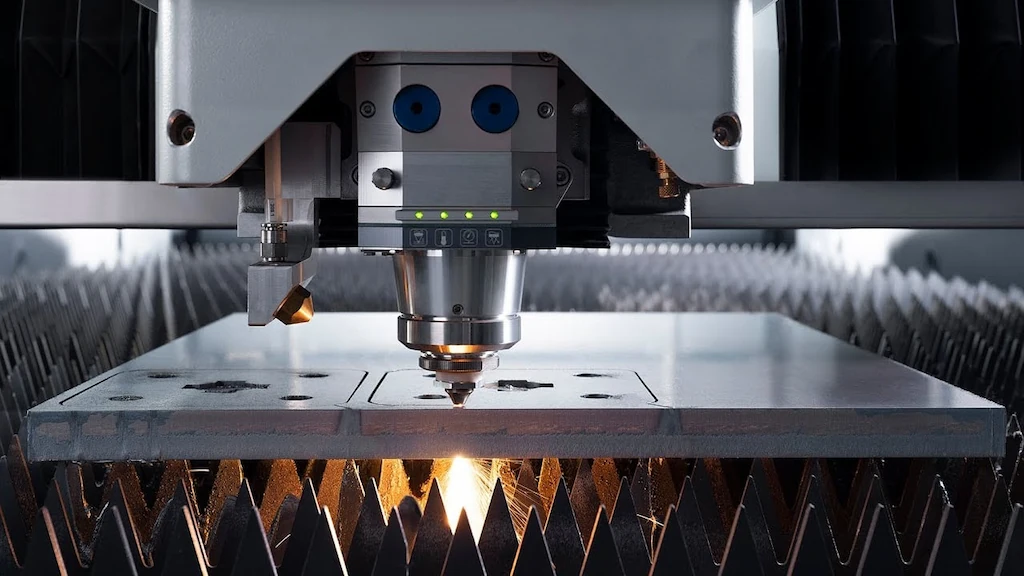
Laser cutting frequency, often in Hertz (Hz), dictates the pulse repetition rate of the laser beam. It controls how frequently energy pulses hit the material, influencing cut smoothness and thermal effects. Higher frequencies yield continuous-like cuts but generate more heat, while lower ones create pulsed effects suitable for heat-sensitive materials.
Frequencies typically range from 1Hz for slow, deep cuts to 100kHz for high-speed engraving. For example, 5-20kHz is common for metal cutting to balance speed and edge quality.
Key Factors Influencing Frequency Adjustment
- Material Sensitivity: Heat-affected zones (HAZ) expand with high frequency in plastics, causing discoloration.
- Cut Type: Piercing requires low frequency for initial penetration; vector cutting benefits from higher rates.
- Machine Capabilities: PWM (Pulse Width Modulation) systems allow fine frequency tuning, unlike fixed-pulse lasers.
- Integration with Power: Frequency and power interplay—high frequency at low power suits fine details.
Methods for Adjusting Laser Cutting Frequency
Fine-tuning frequency enhances precision and reduces material waste. Here are the core techniques:
1.Pulse Width Modulation (PWM) Adjust the duration of each laser pulse via the controller. Shorter pulses (narrow width) increase frequency, ideal for smooth edges. In software, set duty cycle (e.g., 50% on-time) to modulate. This is effective for CO2 lasers, where frequency inversely relates to width.
2.Pulse Count Control Regulate the number of pulses per second based on job requirements. For instance, in CNC software, input pulses per millimeter. This method suits raster scanning, where varying pulse density controls grayscale effects in engraving.
Apply these in tandem: Use PWM for baseline frequency, then adjust count for specific paths in complex designs.
Practical Tips for Frequency Optimization
- Testing Protocols: Run frequency sweeps on test pieces, monitoring kerf width (cut slot size) with calipers.
- Advanced Features: Some machines offer Q-switching for ultra-short pulses, enabling frequencies up to MHz for minimal HAZ.
- Troubleshooting: If cuts are jagged, lower frequency; if slow, increase it while monitoring temperature.
These adjustments empower users to handle everything from intricate jewelry to large-scale sheet metal processing.
Impact of Power and Frequency on Cutting Quality
Power and frequency profoundly affect the final cut’s integrity, from edge smoothness to structural strength. Miscalibration leads to defects like burrs, dross, or cracks, while optimal settings deliver clean, precise results.
Power's Role in Quality
- Low Power Effects: Slow cutting may leave uncut sections in thick materials, increasing rework. It’s safer for thin, fragile items but inefficient for production.
- High Power Effects: Rapid penetration but potential for overheating, causing melt pools, oxidation, or distortion. In metals, this manifests as rough edges; in woods, charring.
Balance is crucial: For 5mm mild steel, 1kW at moderate speed yields straight kerfs without taper.
Frequency's Role in Quality
- Low Frequency Effects: Intermittent pulses create notched cuts, useful for perforation but poor for seamless edges.
- High Frequency Effects: Quasi-continuous beam smooths surfaces but risks excessive heat, leading to recast layers or micro-cracks.
In practice, for acrylic, 10kHz minimizes striations; for leather, 1kHz prevents burning.
Combined Effects and Mitigation
A synergy exists: High power with low frequency suits thick cuts; low power with high frequency excels in detailing. Use tables for quick reference:
Material | Recommended Power (W) | Recommended Frequency (kHz) | Expected Quality |
Stainless Steel (3mm) | 1000-2000 | 5-10 | Smooth edges, minimal HAZ |
Acrylic (5mm) | 50-100 | 10-20 | Clear cuts, no melting |
Wood (10mm) | 80-150 | 1-5 | Even char, precise shapes |
Monitor via post-cut inspections: Measure roughness with profilometers and adjust iteratively.
Step-by-Step Guide to Adjusting Power on a Laser Cutting Machine
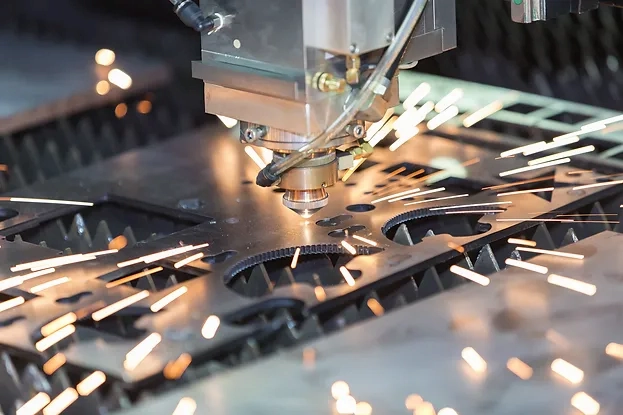
Follow this structured process for safe, effective power tuning:
1.Preparation and Preheating Power on the machine and allow 10-15 minutes for stabilization. Ensure ventilation and secure the workpiece.
2.Initial Power Setting Access the control panel or software. Set to 50% of rated power initially. For a 100W laser, this is 50W. Avoid exceeding 90% to prevent damage.
3.Test Cuts and Iteration Run manual tests on scrap: Cut lines at varying powers. Evaluate speed (mm/s) and quality. Adjust in 10% increments, retesting until optimal (e.g., clean penetration without burn).
4.Automation and Fine-Tuning Switch to auto mode for jobs. Integrate feedback loops if available, like sensors for real-time power modulation.
5.Post-Adjustment Checks Verify with a wattmeter and document settings for future reference.
This method ensures consistency across batches.
Step-by-Step Guide to Adjusting Frequency on a Laser Cutting Machine
Achieve precise frequency control with these steps:
1.Measurement Baseline Use a built-in or external frequency meter to read current output. Note defaults (e.g., 20kHz).
2.Core Adjustments Modify galvo mirror position for resonance changes, or tweak Q-switch for pulse width. In software, input new Hz values.
3.Experimental Validation Perform test patterns: Vary frequency in 5kHz steps. Assess cut smoothness and heat via thermal imaging if possible.
4.Optimization for Specific Tasks For piercing, set low (1-5kHz); for filling, high (10-50kHz). Iterate based on material feedback.
5.Safety and Maintenance Ensure no resonance issues cause vibrations. Clean optics post-adjustment to maintain efficiency.
Implementing this yields professional-grade outcomes.
Conclusion
Adjusting laser cutting power and frequency transforms basic operations into high-precision manufacturing. By following these methods—from direct controls to step-by-step guides—you gain practical solutions tailored to your needs. Experiment, document, and refine for consistent excellence. For further resources, consult manufacturer manuals or industry forums like the Laser Institute of America.

Metalworking specialist with 12 years of experience in sheet metal fabrication and press brake applications, certified by ASME.