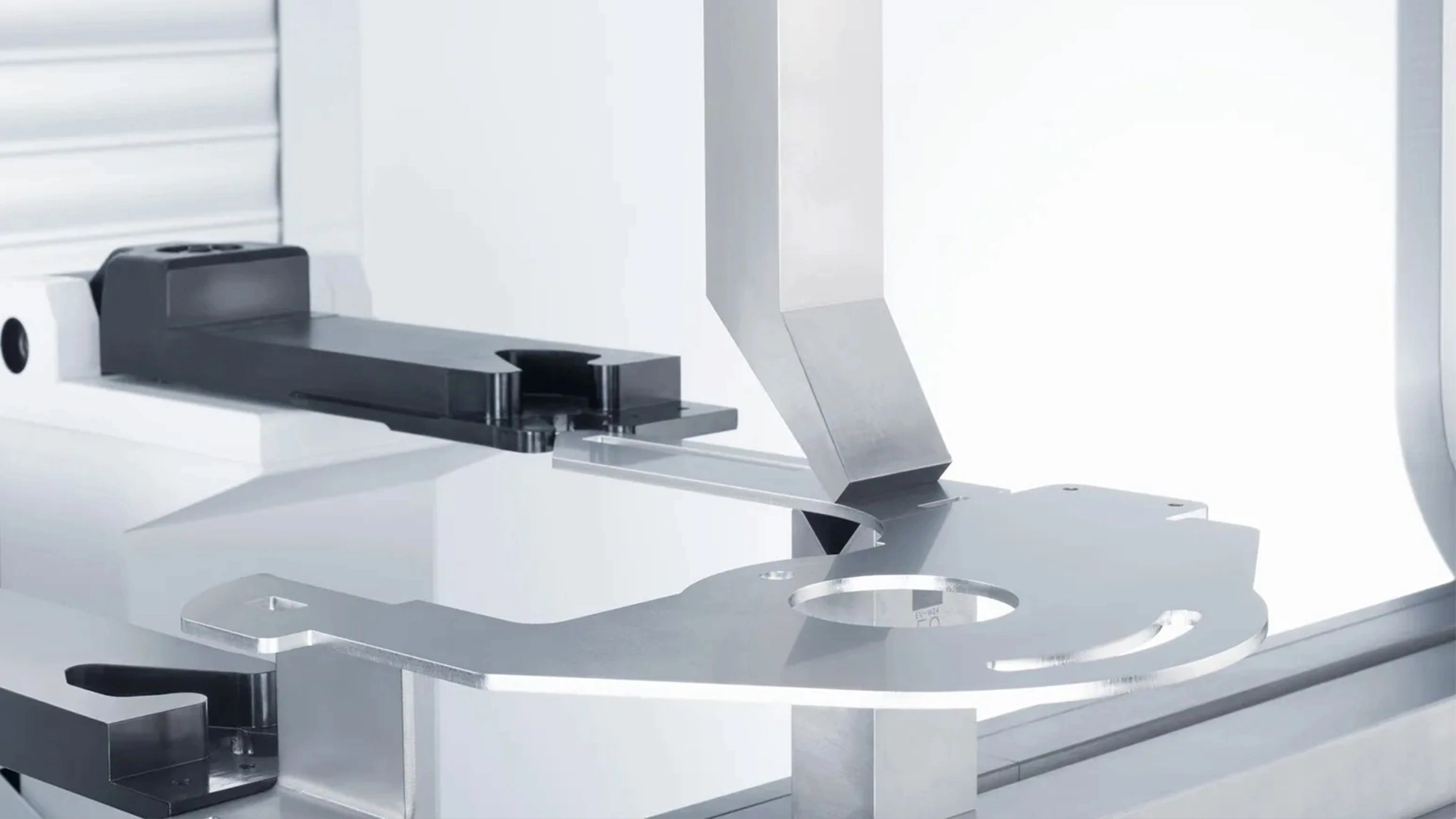







Delem DA53T CNC System Operation Manual
This comprehensive guide provides a detailed tutorial on operating the Delem DA-53T CNC system operation manual for press brake machines. Learn how to set up, program, and optimize bending operations with this advanced controller, ensuring precision and efficiency in sheet metal processing. Whether you’re a beginner or an experienced operator, this tutorial covers everything you need to know about the DA-53T system.
Introduction to the DA53T CNC System Operation Manual
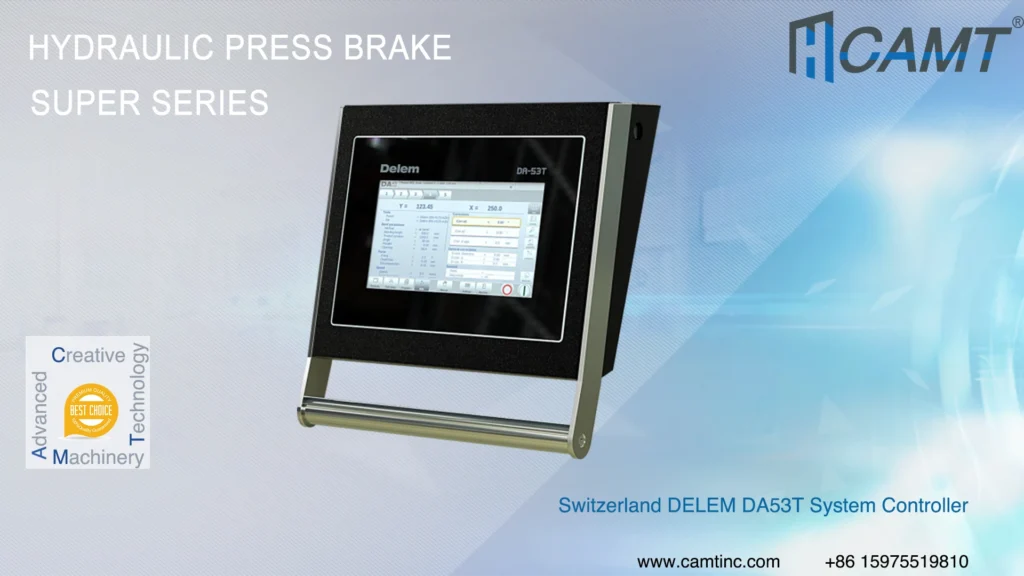
The Delem DA-53T CNC system is a state-of-the-art controller designed for press brake machines, offering intuitive touchscreen navigation, multi-axis control, and advanced programming features. With a 10.1-inch high-resolution TFT screen and multi-touch technology, it ensures user-friendly operation and high precision for various bending applications. This guide walks you through the process of operating the DA-53T, from startup to bending corrections, while highlighting its key advantages for sheet metal processing.
Step-by-Step DA53T CNC system operation manual
1. Powering On the Machine
To begin using the DA-53T CNC system, follow these steps to power on the press brake:
- Turn on the main power supply of the press brake.
- Activate the controller power.
- Start the hydraulic pump to bring the system into working condition.
Ensure all components are powered and operational before proceeding.
2. Creating a New Program
To create a new bending program:
1.Navigate to the “Products” page on the DA-53T controller.
2.Click the “New Program” button on the right side.
3.In the “Product Properties” window, input the following parameters:
- Product Name: Assign a unique name for the program.
- Product Description: Provide a brief description.
- Sheet Thickness: Enter the thickness of the material.
- Material Type: Select the material (e.g., steel, aluminum) and configure its properties.
4.Click the “Accept” button to save the settings.
5.The system will automatically redirect to the “Tool Setup” page, where you can select and configure the punch and die for the job.
6.Switch to the “Program” page via the bottom navigation.
3. Setting Bending Parameters
To configure bending parameters:
1.On the “Program” page, set the desired bending angle and other parameters.
2.For arc bending (bumping):
- Click the “Bumping” button in the bottom-right corner.
- In the bumping setup window, enable the arc bending function.
- Specify the angle, radius, and number of segments for the arc.
- Click “Accept” to save and return to the “Program” page.
3.Review and adjust parameters, such as the X-axis for the first bend, if necessary.
4.Check for errors in all programmed steps to ensure accuracy.
4. Starting the Bending Process
Once the program is error-free:
1.Navigate to the “Automatic” page using the bottom navigation.
2.Click the Start button in the bottom-right corner to initiate the bending process.
Monitor the operation to ensure the machine performs as expected.
5. Bending Corrections
If the bending accuracy does not meet requirements, make corrections as follows:
- Y-Axis Correction (Angle Adjustment):
On the controller’s working page, locate the “Corrections” area on the right.
Find the “Corr.α2” parameter (or similar) and input the compensation angle based on the difference between the actual and desired bending angles. - Mechanical Compensation:
In the “General Corrections” area, locate the “Deflect” parameter.
Calculate the compensation value using the formula:
D (Compensation Parameter) = V (Die Slot Width in mm) / 2 * N (Compensation Angle).
Input the calculated value to adjust for table deflection. - Always verify corrections and recheck the workpiece for precision.
Note: These steps are general guidelines. Specific procedures may vary depending on the press brake model and DA-53T firmware version. Refer to the official Delem DA-53T User Manual or contact Delem support for detailed instructions tailored to your equipment.
Key Advantages of the DA53T CNC System
The DA-53T offers a range of features that make it a top choice for sheet metal processing:
1. Advanced Touchscreen Operation
- Features a 10.1-inch high-resolution color TFT screen with multi-touch technology.
- Provides intuitive hotkey navigation for seamless transitions between programming and production.
- Enhances operator efficiency with a user-friendly interface.
2. Multi-Axis Control
- Supports up to 4 axes (Y1, Y2, and two auxiliary axes, e.g., X or R).
- Allows configuration of a second backgauge axis as a Z-axis for complex applications.
- Meets the demands of diverse bending tasks with precision.
3. Efficient Setup Process
- Minimizes setup and testing time with a streamlined programming-to-production workflow.
- Reduces the need for multiple test bends, ideal for small-batch or frequently changing jobs.
- Boosts productivity while lowering operational costs.
4. Comprehensive Feature Integration
- Includes a tool/material/product library for easy storage and retrieval of settings.
- Supports servo and inverter control for precise motion and energy efficiency.
- Features advanced Y-axis control algorithms for both closed-loop and open-loop systems.
- Offers specialized functions like radius programming (bumping) and hemming product programming.
5. Precise Calculations and Compensation
- Automatically calculates parameters such as tool safety zones, pressure, bending allowance, crowning, and hemming force.
- Provides automatic bumping calculations and an angle correction database.
- Ensures uniform angles across the workpiece with table deflection compensation.
6. Compatibility and Scalability
- Can be integrated into a cabinet or used with an optional pendant arm enclosure.
- Supports USB memory card interface for easy data transfer and storage.
- Compatible with Profile-53TL offline software for flexible programming.
- Offers tandem link functionality (optional) for multi-machine collaboration.
7. User-Friendly Design
- Includes a teach-in function for easy parameter setup across all axes.
- Supports multiple languages to accommodate global operators.
- Features an error reporting system, diagnostic tools, and onboard analytics to simplify troubleshooting and maintenance.
FAQs
What is the DA53T CNC system used for?
The DA-53T is a CNC controller for press brake machines, used to program and execute precise sheet metal bending operations.
How do I troubleshoot errors in the DA53T?
Use the built-in error reporting system and diagnostic tools to identify issues. Refer to the user manual or contact Delem support for specific guidance.
Can the DA53T handle complex bending tasks?
Yes, it supports multi-axis control, radius programming, and advanced compensation features, making it suitable for complex bending applications.
Where can I find the DA53T user manual?
The official Delem DA-53T user manual is available on the Delem website or through authorized distributors. Contact Delem support for access.
Conclusion
The Delem DA-53T CNC system is a powerful and versatile tool for sheet metal bending, offering advanced features, precise control, and an intuitive interface. By following this step-by-step guide, operators can efficiently set up programs, execute bends, and make corrections to achieve high-quality results. For optimal performance, always consult the official user manual or seek support from Delem’s service team.

Metalworking specialist with 12 years of experience in sheet metal fabrication and press brake applications, certified by ASME.