






ESA S630 CNC Press Brake System Operation Manual
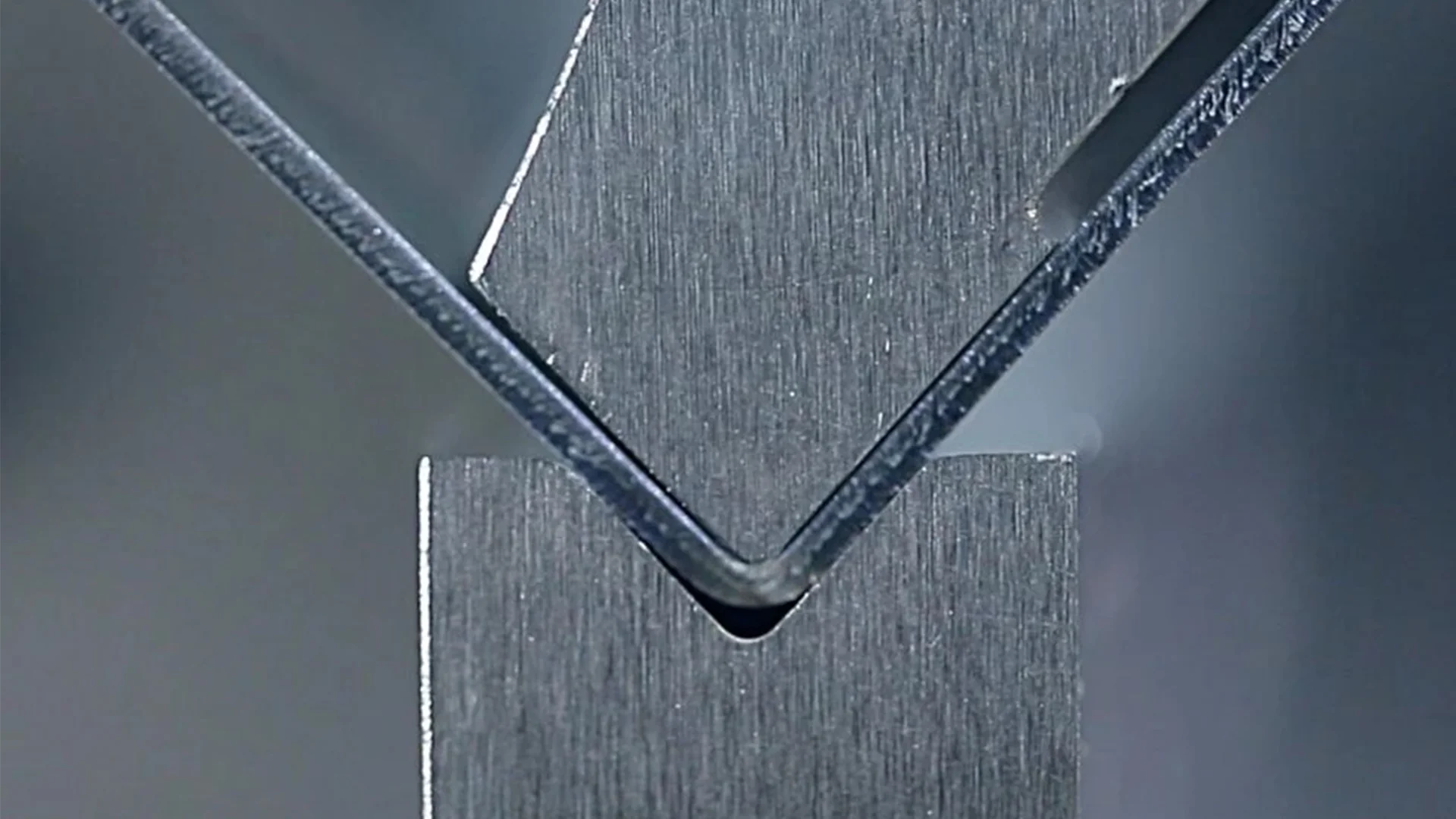
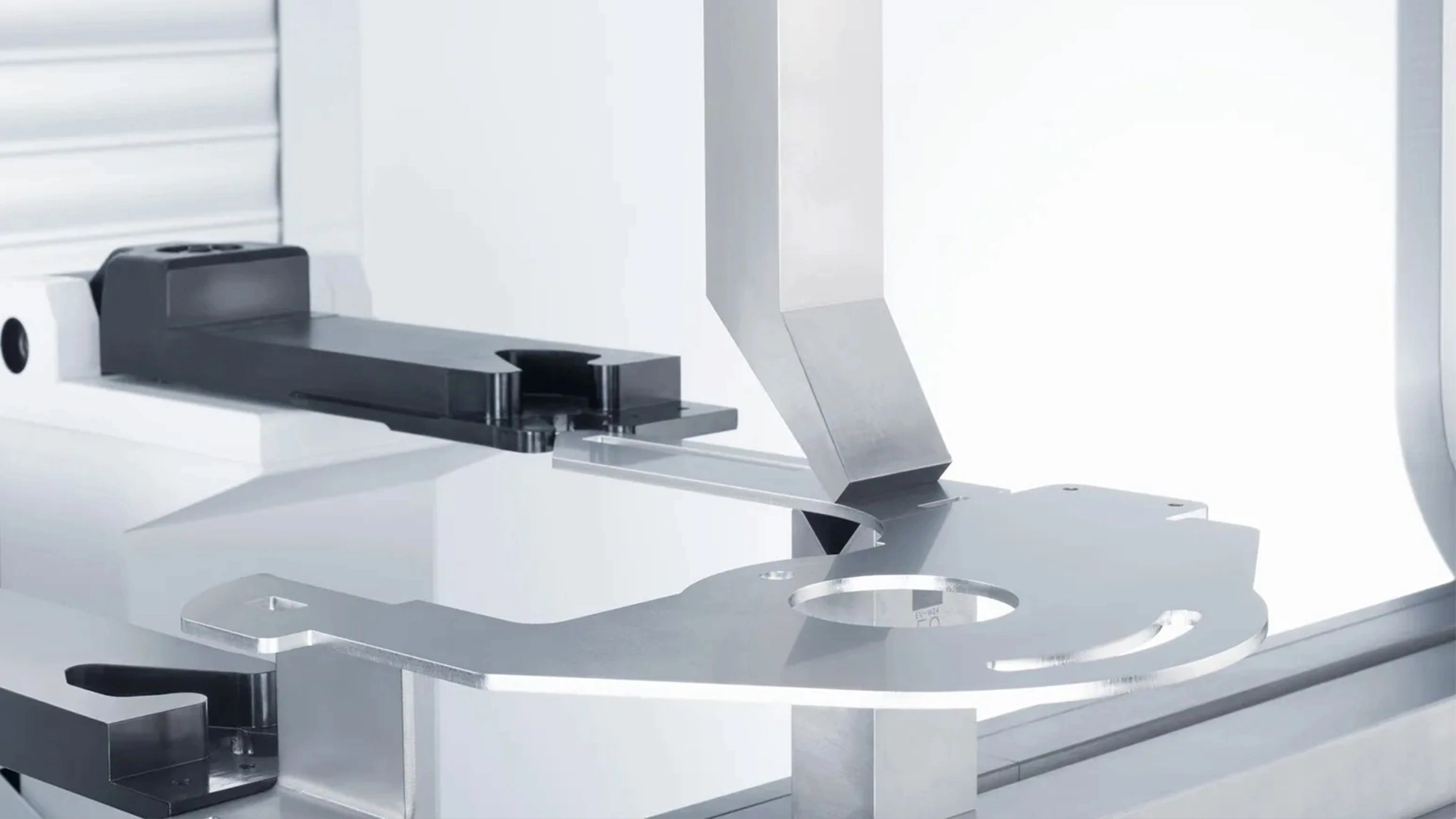
The ESA S630 CNC press brake system, a cutting-edge controller from ESAutomation, is engineered for superior precision and versatility in modern metal fabrication. Renowned for its ability to handle complex tasks like large radius arc bending with ease, this system simplifies intricate curving processes through advanced features such as multi-step bumping and automated radius calculations. Ideal for industries requiring high-accuracy metal shaping, the ESA S630 ensures consistent results across various production scales, from small custom jobs to high-volume manufacturing. In this detailed guide, we’ll explore the system’s capabilities, step-by-step operation for large radius arcs, and best practices to optimize your workflow for enhanced efficiency and quality.
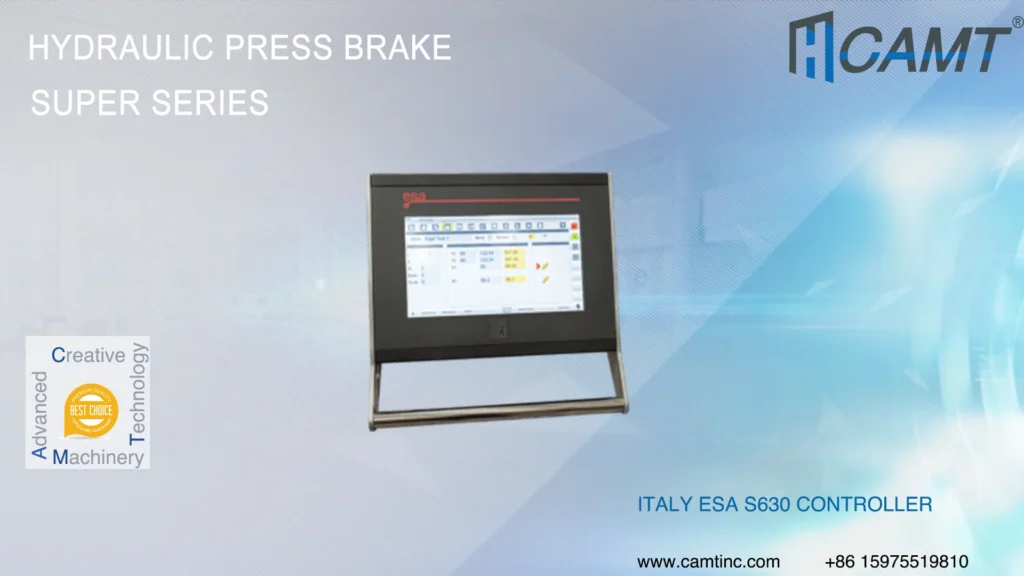
Introduction to the ESA S630 CNC Press Brake System: Features and Specifications
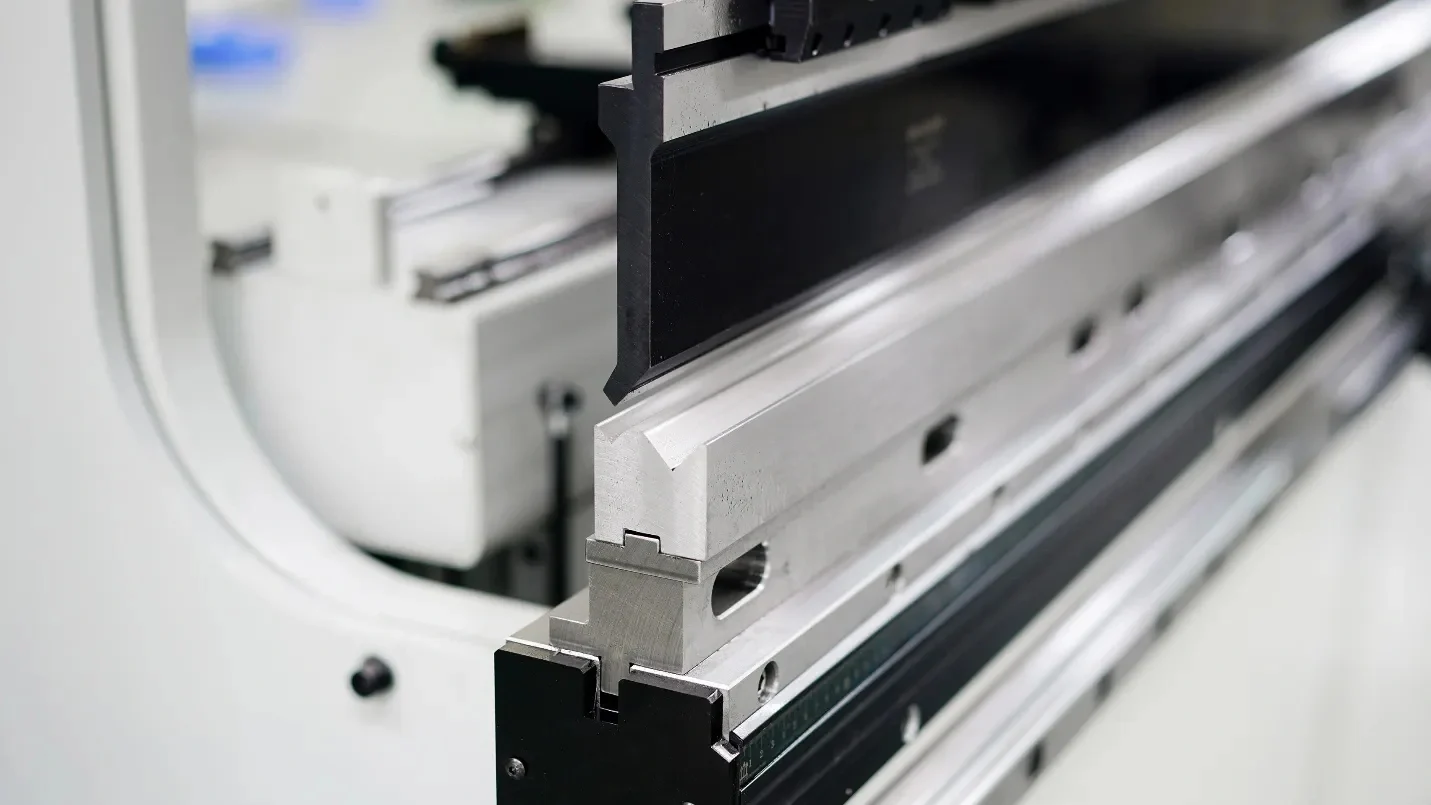
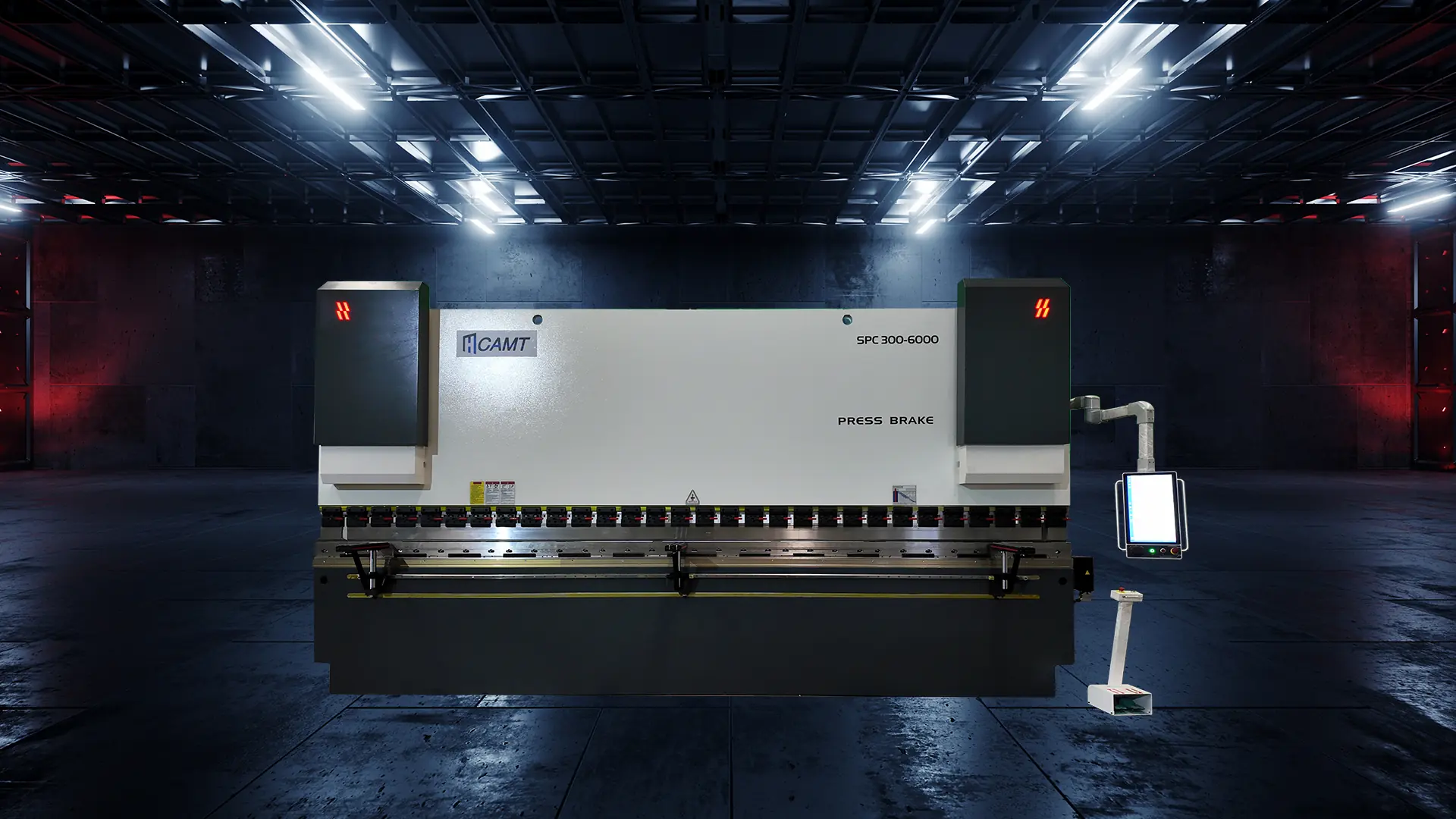
The ESA S630 stands as a powerhouse in CNC press brake controllers, offering a 10-inch color touchscreen with 1024 x 600 pixel resolution for intuitive navigation. It supports up to 4 axes (typically Y1-Y2 for the beam, X for back gauge, and R for height adjustment), plus optional crowning control, making it compatible with conventional, synchronous, hybrid, electric, and tandem press brakes. With a 128 MB silicon disk for storage, USB ports for easy data transfer, and interactive 2D graphic editing, users can program workpieces and tools directly on the screen.
Key specifications include automatic bend sequence calculations, 2D/3D simulations to preview outcomes, and advanced tools for radius bending, which break down large arcs into precise multi-step sequences to avoid material distortion. This system excels in processing materials like stainless steel, aluminum, and mild steel, handling thicknesses from thin sheets to heavy plates while maintaining tolerances as low as ±0.1 degrees. Its robust design withstands intensive use, with energy-efficient modes and safety integrations compliant with international standards.
In applications such as structural engineering for large metal components, architectural decoration for intricate designs, or artistic metalwork for creative forms, the ESA S630 delivers unmatched performance. By automating complex calculations—like springback compensation and force requirements—it reduces setup time by up to 50% compared to manual methods, making it a valuable investment for businesses aiming to boost productivity and innovation.
ESA S630 CNC Press Brake Operation Process: Graphical Programming for Large Radius Arcs
Follow this streamlined workflow to operate the ESA S630 CNC press brake for large radius arc bending, ensuring safety and precision at every step.
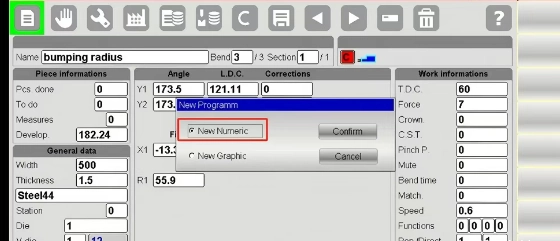
Starting the ESA S630 CNC Press Brake System: Power-Up and Mode Selection Guide
Begin by powering on the press brake and verifying the ESA S630 controller boots correctly—no error lights or unusual noises. Access the main menu via the touchscreen and navigate to “Graphical Programming.” Select the “Large Radius Arc Configuration” or “Bumping Mode” to prepare for arc-specific operations. This mode optimizes the system for multi-step bending, where large arcs are formed through incremental bends rather than a single stroke. Ensure all safety guards are in place and perform a quick axis homing cycle to calibrate Y1/Y2, X, and R axes.
Designing Workpiece Contours on ESA S630 CNC Press Brake: Step-by-Step Profile Creation
In the graphical editor, use the drawing tools to sketch the basic workpiece shape. Focus on the large radius arc section by selecting the “Arc” tool. Input precise coordinates for start and end points, then adjust the radius (e.g., 500mm+) and angle parameters to match your design specs. The system supports importing DXF files for complex profiles, allowing you to zoom in for fine adjustments. Incorporate semantic elements like tangent lines or transitions to ensure smooth curvature, enhancing the arc’s integrity during bending.
Inputting Operation Parameters: Material and Geometry Settings for ESA S630 CNC Press Brake Arcs
Select the arc segment and enter detailed geometric data, including radius, center point, and chord length. Specify material properties such as type (e.g., aluminum 6061), thickness (e.g., 3mm), and tensile strength. Leverage pre-set templates to initialize parameters like bend allowance and springback correction—the ESA S630 auto-calculates required tonnage and depth based on these inputs. For large radii, enable “Bumping a Radius” to define step increments, ensuring even distribution to prevent wrinkling or cracking.
Automatic Step Generation: Optimizing Bend Paths in ESA S630 CNC Press Brake
Activate the built-in auto-calculation feature to analyze the profile and generate an optimized bending sequence. The system proposes multi-step paths for the arc, dividing it into small, incremental bends (e.g., 5-10 degrees each) with automatic back gauge repositioning. Review the path on-screen, manually tweak step lengths or angles for corrections, and confirm collision-free operations. This step balances speed and accuracy, often reducing cycle times by 30%.
Verification and Simulation: 3D Preview for ESA S630 CNC Press Brake Large Radius Bending
Run the 3D simulation to visualize the entire process, observing sheet deformation and arc formation in real-time. Pay close attention to the large radius section for uniform curvature and potential issues like over-bending. Adjust parameters based on the preview—e.g., increase steps for tighter tolerances—and re-simulate until satisfied. This virtual testing minimizes material waste and downtime.
Program Confirmation and Execution: Finalizing and Running ESA S630 CNC Press Brake Arc Programs
Double-check the arc’s step mappings for accuracy, then save the program with a descriptive name (e.g., “Alum_500mm_Arc_v1”). Return to the operation panel, load the sheet material securely, and initiate the cycle via foot pedal or touchscreen. Monitor the process, pausing if anomalies occur, and inspect the finished arc with calipers for dimensional compliance.
Numerical Programming on ESA S630 CNC Press Brake: Precise Parameter Setup for Arc Bending
For users preferring data-driven control, switch to numerical mode for fine-tuned large radius arc programming.
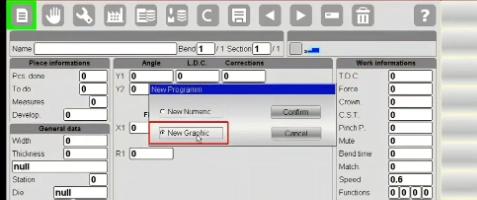
Creating a New Program: ESA S630 CNC Press Brake Setup for Arc Bending Workpieces
Select “Create New Program” and enter a filename like “Large_Arc_Project.” Specify the workpiece type as “Arc Bending” or “Radius Mode” to auto-adjust defaults for rolling and coning.
Inputting Material Parameters: Ensuring Accuracy in ESA S630 CNC Press Brake Calculations
Enter material details—type, thickness, and springback coefficients. The system computes bending force and allowances, crucial for large arcs to account for elastic recovery.
Setting Bending Parameters: Key Inputs for ESA S630 CNC Press Brake Large Radius Arcs
Define radius, total angle (e.g., 180°), and bend length. Align with workpiece width for proper positioning, influencing overall arc quality.
Defining Step Details: Breaking Down ESA S630 CNC Press Brake Arc Bends
Decompose the arc into steps, specifying per-bend angles (e.g., 8°) and feed distances. Fine-tune for optimal path, using Dutch folding adjustments if needed.
Simulation and Optimization: Refining ESA S630 CNC Press Brake Numerical Programs
Visualize via software simulation, checking for collisions or overtravel in the arc process. Optimize parameters iteratively for seamless execution.
Saving and Executing: Deploying ESA S630 CNC Press Brake Arc Programs Safely
Validate all settings, save to a retrievable path, and switch to run mode for actual bending. Always wear PPE and maintain clear zones.
Operation Precautions: Safety and Maintenance Tips for ESA S630 CNC Press Brake Users
Prioritize safety by adhering to protocols: Verify oil levels, tool alignments, and emergency stops daily. For large arcs, inspect materials for defects to prevent failures. Schedule monthly maintenance like filter changes and software updates to sustain performance.
Common Problems and Solutions for ESA S630 CNC Press Brake Issues
1.Inaccurate Arc Radius: Recalibrate axes and verify springback inputs; increase step count for better approximation.
2.Collision Errors: Adjust back gauge retraction in simulation; clear obstacles.
3.Program Loading Failures: Check USB integrity or restart the controller.
ESA S630 CNC Press Brake FAQ: Essential Answers for Large Radius Arc Bending
How to Maintain the ESA S630 CNC Press Brake System?
Daily cleaning, weekly inspections for wear, and annual professional servicing extend lifespan and accuracy.
What If Arc Bending Results Are Inconsistent?
Review material parameters and step divisions; use calibration tools for adjustments.
Key Safety Precautions for ESA S630 CNC Press Brake Operations?
Keep hands clear, use light curtains, and train operators per manual to avoid accidents.
Mastering the ESA S630 CNC press brake system through these steps unlocks precise large radius arc bending, elevating your metal fabrication capabilities. For ongoing advancements, consult official ESA resources and stay updated on firmware enhancements.

Metalworking specialist with 12 years of experience in sheet metal fabrication and press brake applications, certified by ASME.