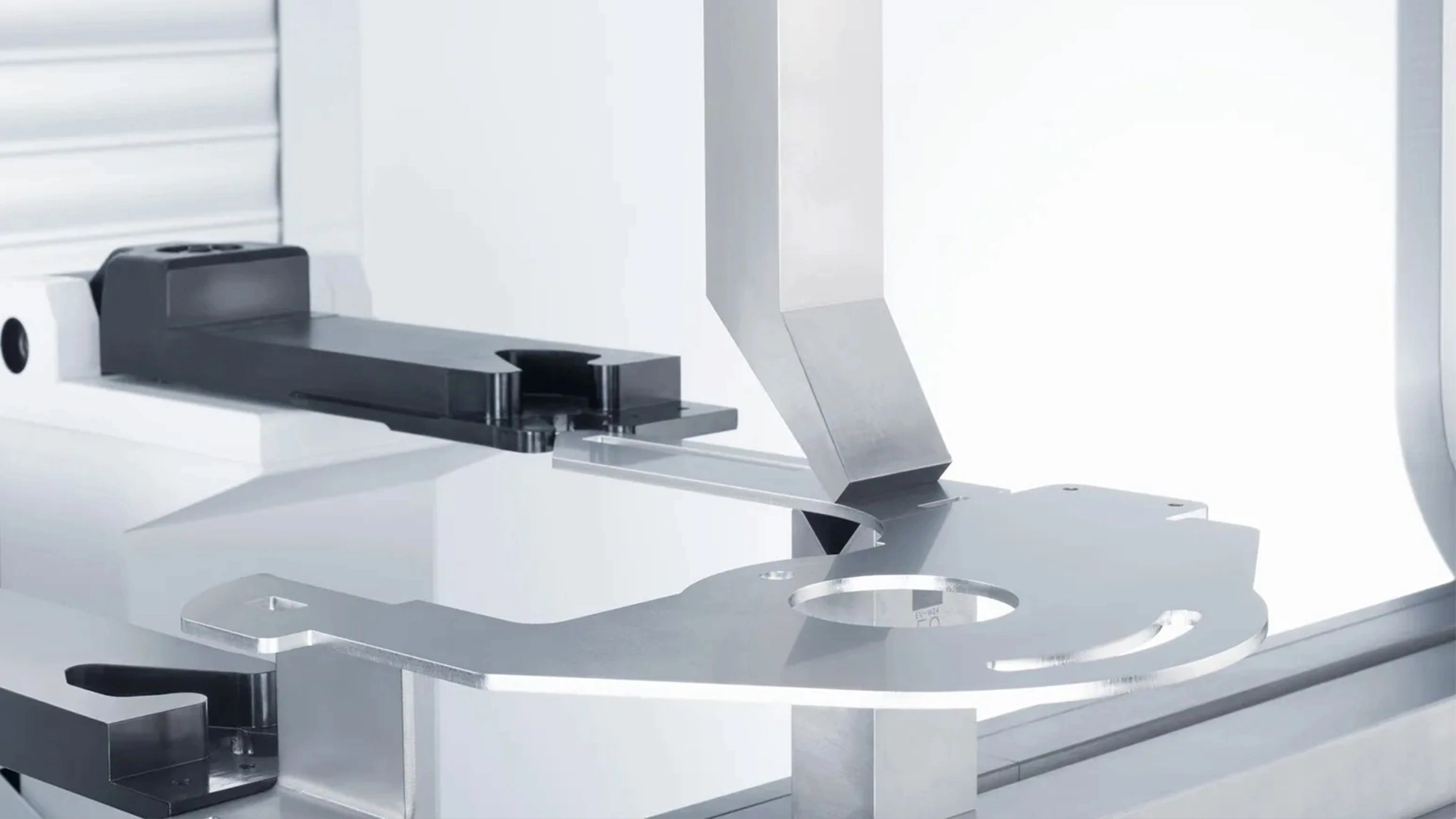







Laser Cutting Power and Frequency Adjustment Methods
Access the control panel or software. Set to 50% of rated power initially. For a 100W laser, this is 50W. Avoid exceeding 90% to prevent damage.
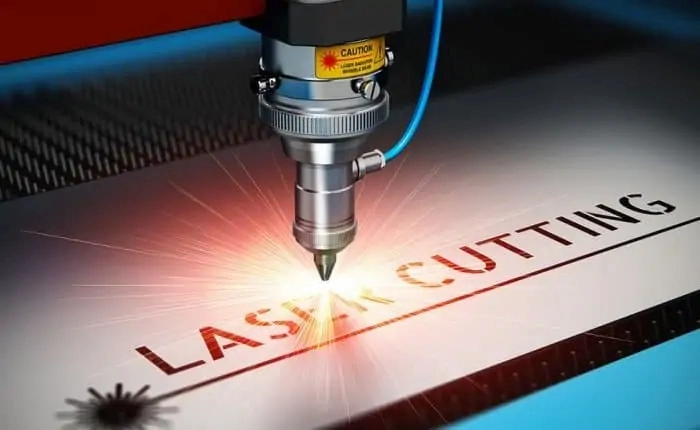
3.Test Cuts and Iteration
Run manual tests on scrap: Cut lines at varying powers. Evaluate speed (mm/s) and quality. Adjust in 10% increments, retesting until optimal (e.g., clean penetration without burn).
4.Automation and Fine-Tuning.
Switch to auto mode for jobs. Integrate feedback loops if available, like sensors for real-time power modulation.
5.Post-Adjustment Checks
- Verify with a wattmeter and document settings for future reference. This method ensures consistency across batches.
- Step-by-Step Guide to Adjusting Frequency on a Laser Cutting Machine Achieve precise frequency control with these steps:.
- 1.Measurement Baseline Use a built-in or external frequency meter to read current output. Note defaults (e.g., 20kHz).
- 2.Core Adjustments Modify galvo mirror position for resonance changes, or tweak Q-switch for pulse width. In software, input new Hz values.
3.Experimental Validation
Perform test patterns: Vary frequency in 5kHz steps. Assess cut smoothness and heat via thermal imaging if possible.
4.Optimization for Specific Tasks For piercing, set low (1-5kHz); for filling, high (10-50kHz). Iterate based on material feedback.
5.Safety and Maintenance Ensure no resonance issues cause vibrations. Clean optics post-adjustment to maintain efficiency.
Implementing this yields professional-grade outcomes.
Adjusting laser cutting power and frequency transforms basic operations into high-precision manufacturing. By following these methods—from direct controls to step-by-step guides—you gain practical solutions tailored to your needs. Experiment, document, and refine for consistent excellence. For further resources, consult manufacturer manuals or industry forums like the Laser Institute of America.
- blog laser cutting power.
- press brake safety Laser Cutting Power.
- Troubleshooting: If cuts are jagged, lower frequency; if slow, increase it while monitoring temperature.
These adjustments empower users to handle everything from intricate jewelry to large-scale sheet metal processing.
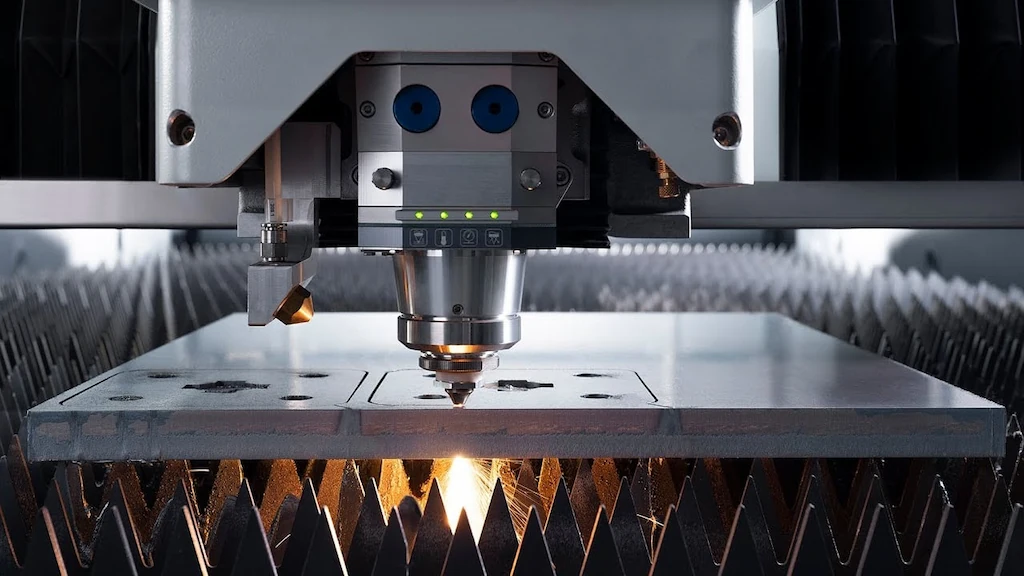
Impact of Power and Frequency on Cutting Quality
Power and frequency profoundly affect the final cut’s integrity, from edge smoothness to structural strength. Miscalibration leads to defects like burrs, dross, or cracks, while optimal settings deliver clean, precise results.
Power's Role in Quality.
Low Power Effects:
- Slow cutting may leave uncut sections in thick materials, increasing rework. It’s safer for thin, fragile items but inefficient for production. High Power Effects:.
- Rapid penetration but potential for overheating, causing melt pools, oxidation, or distortion. In metals, this manifests as rough edges; in woods, charring. Balance is crucial: For 5mm mild steel, 1kW at moderate speed yields straight kerfs without taper.
- Frequency's Role in Quality Low Frequency Effects:.
- Intermittent pulses create notched cuts, useful for perforation but poor for seamless edges. High Frequency Effects:.
Quasi-continuous beam smooths surfaces but risks excessive heat, leading to recast layers or micro-cracks.
In practice, for acrylic, 10kHz minimizes striations; for leather, 1kHz prevents burning.
Combined Effects and Mitigation A synergy exists: High power with low frequency suits thick cuts; low power with high frequency excels in detailing. Use tables for quick reference:.
Recommended Power (W) Recommended Frequency (kHz).
Expected Quality.
Stainless Steel (3mm)
- Smooth edges, minimal HAZ Acrylic (5mm).
- Clear cuts, no melting Wood (10mm).
- Even char, precise shapes Monitor via post-cut inspections: Measure roughness with profilometers and adjust iteratively.
Step-by-Step Guide to Adjusting Power on a Laser Cutting Machine.
Follow this structured process for safe, effective power tuning:
1.Preparation and Preheating.
Power on the machine and allow 10-15 minutes for stabilization. Ensure ventilation and secure the workpiece.
- 2.Initial Power Setting Access the control panel or software. Set to 50% of rated power initially. For a 100W laser, this is 50W. Avoid exceeding 90% to prevent damage.
- 3.Test Cuts and Iteration Run manual tests on scrap: Cut lines at varying powers. Evaluate speed (mm/s) and quality. Adjust in 10% increments, retesting until optimal (e.g., clean penetration without burn).
4.Automation and Fine-Tuning.
Switch to auto mode for jobs. Integrate feedback loops if available, like sensors for real-time power modulation.
- 5.Post-Adjustment Checks Verify with a wattmeter and document settings for future reference.
- This method ensures consistency across batches. Step-by-Step Guide to Adjusting Frequency on a Laser Cutting Machine.
Achieve precise frequency control with these steps:.
1.Measurement Baseline
Use a built-in or external frequency meter to read current output. Note defaults (e.g., 20kHz).
- Linear Guide/ Ball Screw/Gear Rack | Modify galvo mirror position for resonance changes, or tweak Q-switch for pulse width. In software, input new Hz values. | 3.Experimental Validation | Perform test patterns: Vary frequency in 5kHz steps. Assess cut smoothness and heat via thermal imaging if possible. |
4.Optimization for Specific Tasks | 1000-2000 | 5-10 | For piercing, set low (1-5kHz); for filling, high (10-50kHz). Iterate based on material feedback. |
5.Safety and Maintenance | 50-100 | 10-20 | Ensure no resonance issues cause vibrations. Clean optics post-adjustment to maintain efficiency. |
Implementing this yields professional-grade outcomes. | 80-150 | 1-5 | Adjusting laser cutting power and frequency transforms basic operations into high-precision manufacturing. By following these methods—from direct controls to step-by-step guides—you gain practical solutions tailored to your needs. Experiment, document, and refine for consistent excellence. For further resources, consult manufacturer manuals or industry forums like the Laser Institute of America. |
Read more about Principle and Function of Press Brake Safety Protection System.
Read more about Press Brake Maintenance and Repair
Read more about Practical Methods for Press Brake Accuracy with Long Term Precision
Read more about Practical Guidance For Press Brake Operation Read more about How to Properly Install a Press Brake Machine.
laser cutting power Greifen Sie auf das Bedienfeld oder die Software zu. Stellen Sie die Nennleistung zunächst auf 50 % ein. Bei einem 100-W-Laser sind dies 50 W. Vermeiden Sie es, 90 % zu überschreiten, um Schäden zu vermeiden.
3. Testschnitte und Iteration Führen Sie manuelle Tests an Restmaterial durch: Schneiden Sie Linien mit unterschiedlichen Leistungen. Bewerten Sie Geschwindigkeit (mm/s) und Qualität. Passen Sie in 10 %-Schritten an und testen Sie erneut, bis das Optimum erreicht ist (z. B. sauberes Eindringen ohne Brandspuren).
4. Automatisierung und Feinabstimmung Wechseln Sie für Aufträge in den Automatikmodus. Integrieren Sie, falls verfügbar, Rückkopplungsschleifen, wie z. B. Sensoren zur Echtzeit-Leistungsmodulation.
5. Überprüfungen nach der Anpassung Überprüfen Sie mit einem Wattmeter und dokumentieren Sie die Einstellungen für zukünftige Referenz.
Diese Methode gewährleistet Konsistenz über alle Chargen hinweg.
Schritt-für-Schritt-Anleitung zur Frequenzeinstellung an einer Laserschneidmaschine
Erreichen Sie mit diesen Schritten eine präzise Frequenzkontrolle:
1. Messgrundlage Verwenden Sie ein eingebautes oder externes Frequenzmessgerät, um die aktuelle Ausgabe abzulesen. Notieren Sie die Standardwerte (z. B. 20 kHz).
2. Kernanpassungen Ändern Sie die Position des Galvo-Spiegels für Resonanzänderungen oder optimieren Sie den Güteschalter für die Pulsbreite. Geben Sie in der Software neue Hz-Werte ein.
3. Experimentelle Validierung Führen Sie Testmuster durch: Variieren Sie die Frequenz in 5-kHz-Schritten. Beurteilen Sie die Schnittglätte und die Wärme, falls möglich, mittels Wärmebildgebung.
4.Optimierung für spezifische Aufgaben Zum Durchstechen niedrig einstellen (1-5kHz); zum Füllen hoch (10-50kHz). Iterieren Sie basierend auf dem Materialfeedback.
5.Sicherheit und Wartung Stellen Sie sicher, dass keine Resonanzprobleme Vibrationen verursachen. Reinigen Sie die Optik nach der Einstellung, um die Effizienz zu erhalten.
Die Umsetzung führt zu professionellen Ergebnissen.
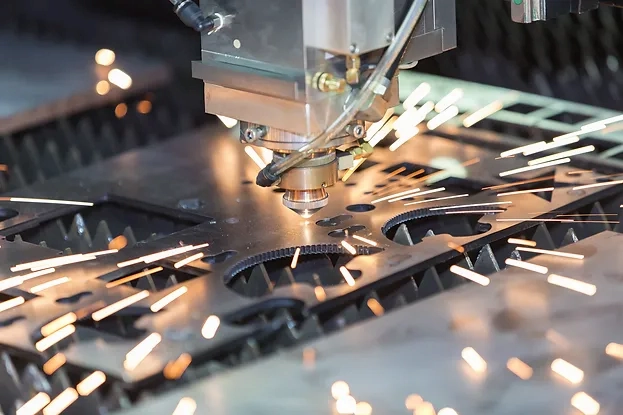
Press brake maintenance and repair should be viewed as an ongoing process rather than a reaction to failure. Proper lubrication, careful hydraulic system management, and regular mechanical inspection form the foundation of reliable machine operation. These practices not only reduce downtime but also help maintain consistent bending accuracy over the machine’s service life.
Die Anpassung von Laserschneidleistung und -frequenz verwandelt grundlegende Operationen in hochpräzise Fertigung. Durch die Befolgung dieser Methoden – von direkten Steuerungen bis hin zu Schritt-für-Schritt-Anleitungen – erhalten Sie praktische Lösungen, die auf Ihre Bedürfnisse zugeschnitten sind. Experimentieren, dokumentieren und verfeinern Sie für gleichbleibende Exzellenz. Für weitere Ressourcen konsultieren Sie Herstellerhandbücher oder Branchenforen wie das Laser Institute of America.

V-Grooving Machine
- Press Brake
- Laser Cutting Machine
- Shearing Machine
- Press Brake Safety Precautions: Complete Guide for Safe Operation and Maintenance
- Hydraulic Press Machine
- Read more about Practical Methods for Press Brake Accuracy with Long Term Precision
- Rolling Machine
- Ironworker
- Press Brake Tooling
- Machinery Accessories